Instagram Bio Font Style Generator: Stylish Fonts for Boys & Girls (Copy & Paste)
Type your bio text in the tool below and pick from 100+ stylish font styles. Copy the one you like and paste it directly into your Instagram bio. Works for boys, girls, VIP profiles, and every personality in between.
What Is an Instagram Bio Font Style?
Instagram does not let you change fonts from inside the app. But Unicode characters, a global text encoding system, include hundreds of letter styles that look like different fonts.
These paste into your bio field like regular text and display correctly on every device. Your bio is the first thing someone reads on your profile.
The right instagram bio font style makes it stand out before they even finish reading.
Looking for even more text styles? Try our Font Style Generator to create hundreds of unique Unicode fonts for Instagram bios, usernames, captions, TikTok profiles, WhatsApp status updates, and more.
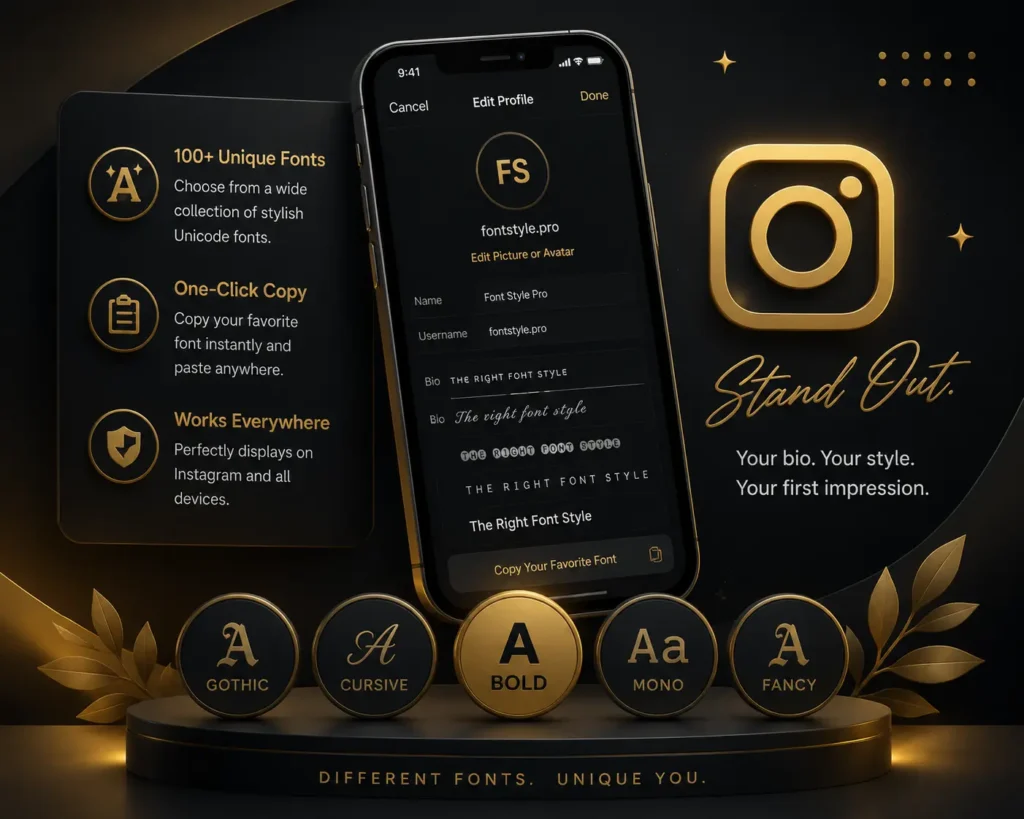
Stylish Font Styles for Boys Instagram Bio
Boys looking for an instagram bio for boys stylish font want something that shows personality immediately. Bold and gothic styles hit hard for attitude bios. VIP and decorated styles work for a royal or premium look. Cursive gives a sharp, clean feel. This tool generates all of them the second you type your text.
Here are five examples using the line “Born to lead, not to follow”:
- Bold Style: 𝗕𝗼𝗿𝗻 𝘁𝗼 𝗹𝗲𝗮𝗱, 𝗻𝗼𝘁 𝘁𝗼 𝗳𝗼𝗹𝗹𝗼𝘄
- Gothic Style: 𝕭𝖔𝖗𝖓 𝖙𝖔 𝖑𝖊𝖆𝖉, 𝖓𝖔𝖙 𝖙𝖔 𝖋𝖔𝖑𝖑𝖔𝖜
- VIP Style: 🅱🅞🅡🅝 🅣🅞 🅛🅔🅐🅓, 🅝🅞🅣 🅣🅞 🅕🅞🅛🅛🅞🅦
- Cursive Style: 𝐵𝑜𝓇𝓃 𝓉𝑜 𝓁𝑒𝒶𝒹, 𝓃𝑜𝓉 𝓉𝑜 𝒻𝑜𝓁𝓁𝑜𝓌
- Bubble Style: Ⓑⓞⓡⓝ ⓣⓞ ⓛⓔⓐⓓ, ⓝⓞⓣ ⓣⓞ ⓕⓞⓛⓛⓞⓦ
Pick the instagram bio font style for boys that fits your vibe and copy it straight from the tool.
Stylish Font Styles for Girls Instagram Bio
A bio for instagram for girls in stylish font creates a completely different first impression than plain text. Cursive and aesthetic styles feel elegant without being over the top. Cute and heart-decorated styles work well for personal or creative profiles.
Here are five examples using the line “Soft heart, strong mind”:
- Cursive Style: 𝒮𝑜𝒻𝓉 𝒽𝑒𝒶𝓇𝓉, 𝓈𝓉𝓇𝑜𝓃𝑔 𝓂𝒾𝓃𝒹
- Aesthetic Style: Soft heart, strong mind
- Cute Style: 𝓢𝓸𝓯𝓽 𝓱𝓮𝓪𝓻𝓽, 𝓼𝓽𝓻𝓸𝓷𝓰 𝓶𝓲𝓷𝓭
- Heart Decorated: ❤️𝑺𝒐𝒇𝒕 𝒉𝒆𝒂𝒓𝒕, 𝒔𝒕𝒓𝒐𝒏𝒈 𝒎𝒊𝒏𝒅❤️
- Small Caps Style: Sᴏꜰᴛ ʜᴇᴀʀᴛ, Sᴛʀᴏɴɢ Mɪɴᴅ
The most popular instagram bio for girls stylish font right now is cursive mixed with one or two emojis. Clean, readable, and personal.
Instagram VIP Bio Stylish Font
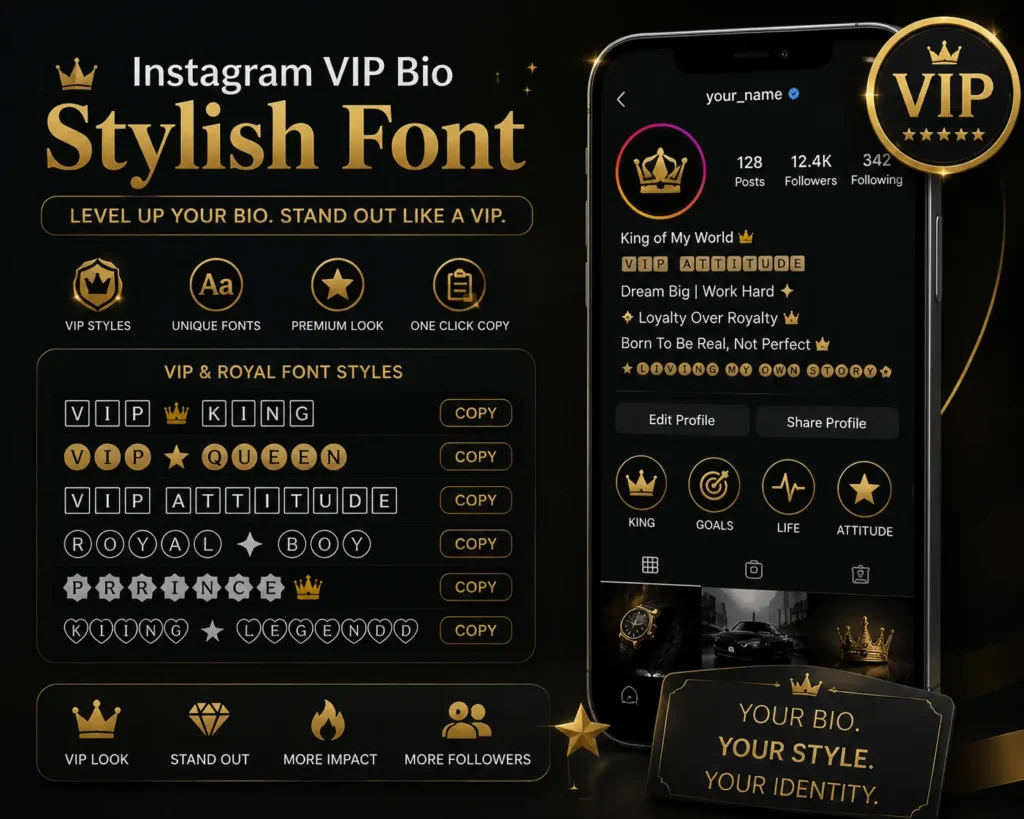
Most bios on Instagram look identical. An instagram vip bio stylish font changes that immediately. VIP-style fonts use boxed, filled, or decorated Unicode characters that signal you put thought into your profile.
This instagram bio generator font tool has dedicated VIP and royal styles built for exactly this look. The font style instagram bio options in this category use boxed and filled characters that instantly look premium.
The instagram vip bio stylish font for boy category is especially popular for attitude and royal-themed profiles. Girls use the same styles too, usually paired with a crown or star emoji.
How to Use This Tool
Best Font Styles for Instagram Bio: By Category
Not every style works for every profile. Use this table to match the best font for instagram bio to your personality. These are all the different fonts for instagram bio available in the tool above.
| Font Style Name | Best For | Vibe |
| Bold | Attitude bios, boys | Strong, confident |
| Cursive | Girls bios, love themes | Elegant, soft |
| Gothic | Dark aesthetic, attitude | Edgy, powerful |
| Bubble | Fun bios, casual profiles | Playful, friendly |
| VIP / Decorated | Royal, premium profiles | Exclusive, standout |
| Aesthetic | Minimal, clean profiles | Modern, cool |
| Italic | Name styles, captions | Sharp, stylish |
| Small Caps | Subtle standout bios | Refined, unique |
How to Copy and Paste Font Styles Into Instagram Bio
The instagram bio fonts copy and paste process here takes under a minute. Type your text, pick a stylish font for instagram bio from the results, and hit copy. This tool works as a complete instagram bio font changer. Open Instagram on Android or iPhone, go to Edit Profile, tap the Bio field, paste, and save. Your new instagram bio style font goes live the moment you hit save.