
Upside Down Text Generator: Flip, Reverse, and Copy in One Click
Paste your text into the tool below and get it flipped upside down instantly. This upside down text generator, also called a flip text or inverted text generator, uses real Unicode characters so you can copy and paste the result into Instagram bios, Discord usernames, WhatsApp statuses, gaming names, or anywhere else that accepts plain text.
Need stylish italic Unicode fonts? Try our italic text generator to instantly create copy-and-paste italic text for Instagram, Facebook, TikTok, Discord, WhatsApp, and more.
What is an upside down text generator?
An upside down text generator converts regular letters into visually inverted Unicode characters, making your text appear flipped 180 degrees. It works by swapping each letter for a matching character from phonetic or mathematical Unicode blocks. The result is copy-paste compatible on virtually every modern platform without needing any special app or font.
How This Upside Down Text Generator Flips Your Text
The tool does not rotate an image of your text. It replaces each letter with a different Unicode character that looks upside down. So the letter a becomes ɐ, e becomes ǝ, and t becomes ʇ. Because the output is just plain text made of real characters, it survives copy-paste into social bios, chat apps, and comment fields exactly as you see it.
Most of these characters come from the International Phonetic Alphabet (IPA), a writing system linguists use to represent every sound a human voice can make. Others come from mathematical notation or obscure language scripts. The Unicode standard covers over 143,000 characters across 154 scripts.
The upside-down letters used here come from several specific Unicode blocks: IPA Extensions (characters like ɐ, ǝ, ɥ, ɯ, ɹ), Latin Extended (characters like Ɩ, Ɛ), Mathematical Operators (symbols like ⊥), and Greek and Coptic (characters like Λ). These blocks were built for linguistics and science, not aesthetic text tricks. The upside-down effect is a coincidence of character design.
Some letters do not change at all when flipped. o, s, x, z, 0, and 8 are symmetrical, so their upside-down version looks the same. That is expected behavior, not a bug.
Some characters have no upside-down Unicode equivalent at all. The @ symbol is one example. When the generator encounters a character with no flip match, it leaves it unchanged.
Use our Wingdings Translator to quickly encode text into Wingdings symbols or decode Wingdings back into plain English.
Upside Down vs. Reverse vs. Both: What is the Difference?
This is the question most people have and most pages bury. Here is the clearest breakdown:
| Mode | What it does | Example input | Result |
| Upside down only | Flips each letter, keeps order left to right | hello | ɥǝןןo |
| Reverse only | Reverses character order, no flipping | hello | olleh |
| Upside down + backwards | Flips each letter AND reverses order | hello | oןןǝɥ |
The third mode, upside down and backwards combined, is the classic “flip your screen” effect. When someone physically turns their phone or screen upside down, the text reads normally from left to right. That is why most people use it for surprise messages or social media hooks.
If you just want flipped-looking text in your bio without the reversed reading direction, use upside-down only. If you want a pure mirror of the word order, use reverse only. To get the full physical flip effect, use the reverse and upside down text generator mode that combines both.
The Full Upside Down Alphabet and Character Map (A to Z, 0 to 9)
Here is the complete upside down alphabet and character substitution table this tool uses.
| Normal | Flipped | Origin |
| a | ɐ | Latin Small Turned A (IPA Extensions) |
| b | q | Latin b rotated |
| c | ɔ | Latin Open O (IPA Extensions) |
| d | p | Latin d rotated |
| e | ǝ | Latin Small Schwa (IPA Extensions) |
| f | ɟ | Dotless J with stroke |
| g | ƃ | Latin Small B with topbar |
| h | ɥ | Latin Small Turned H (IPA Extensions) |
| i | ᴉ | Latin Small Turned I |
| j | ɾ | Latin Small Flap R |
| k | ʞ | Latin Small Turned K |
| l | ʅ | Latin Small Turned V |
| m | ɯ | Latin Small Turned M (IPA Extensions) |
| n | u | Latin n rotated |
| o | o | Symmetrical |
| p | d | Latin p rotated |
| q | b | Latin q rotated |
| r | ɹ | Latin Small Turned R (IPA Extensions) |
| s | s | Symmetrical |
| t | ʇ | Latin Small Turned T |
| u | n | Latin u rotated |
| v | ʌ | Latin Small Turned V (IPA Extensions) |
| w | ʍ | Latin Small Turned W (IPA Extensions) |
| x | x | Symmetrical |
| y | ʎ | Latin Small Turned Y (IPA Extensions) |
| z | z | Symmetrical |
| 0 | 0 | Symmetrical |
| 1 | Ɩ | Latin Extended |
| 2 | ᄅ | Hangul Rieul |
| 3 | Ɛ | Latin Extended |
| 6 | 9 | Rotated |
| 7 | L | Rotated |
| 8 | 8 | Symmetrical |
| 9 | 6 | Rotated |
| ? | ¿ | Inverted Question Mark (Spanish punctuation) |
| ! | ¡ | Inverted Exclamation Mark (Spanish punctuation) |
| & | ⅋ | Turned Ampersand (Mathematical Operators) |
Where You Can Use Upside Down Text
You can use flipped text on virtually any platform that accepts Unicode input: social media bios, gaming usernames, messaging apps, comment sections, and even email subjects. It also works as a basic word filter bypass in forums and chat rooms that block certain phrases, since the Unicode characters are technically different from the original letters. This is one reason flipped text is sometimes grouped with Leetspeak as an alternative character style.
One important thing to know: search engines treat upside-down Unicode characters as different characters entirely. Searching for “hello” will not surface content written as “ɥǝןןo.” Avoid using flipped text for anything you need people to find through Google.
Want to make your text stand out? Use our weird text generator to create unique Unicode styles that work on social media, games, chats, and more.
Upside-down text works in your bio, captions, and comments. Instagram supports Unicode characters in display names and bios but does not allow them in the @handle. The bio character limit is 150, so keep flipped text short for readability.
Discord
Discord is one of the most flexible platforms for this. You can use upside-down characters in your display name, nickname within a server, status message, and regular chat. Server names and channel names also support Unicode.
Works in your status, your profile name, group chat names, and regular messages. Both Android and iPhone display Unicode characters correctly in WhatsApp. Flipped text in a WhatsApp group name is a quick way to make a friend group stand out.
Telegram
Telegram fully supports Unicode in usernames, group names, bio, and messages. It is one of the most widely used messaging apps in Pakistan, India, and the Middle East, making it a top platform for creative flipped text in those regions.
TikTok
Use upside-down text in your bio and video captions. TikTok supports Unicode in both. Short flipped phrases in captions create a curiosity loop that makes people stop scrolling.
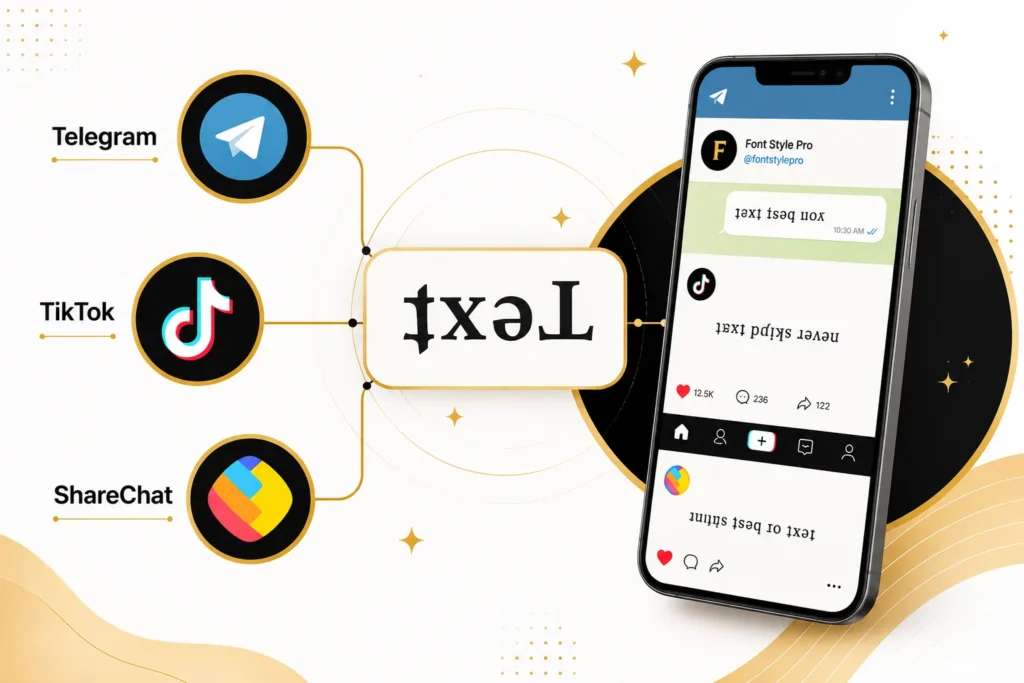
ShareChat
ShareChat, popular across India and Pakistan, supports Unicode in posts and profiles. A flipped username or status on ShareChat stands out immediately in regional language feeds where most text looks the same.
Gaming Usernames: PUBG, Free Fire, Roblox, Fortnite
This is one of the best uses for a flip text upside down generator. PUBG Mobile, Free Fire, Roblox, and most online games accept Unicode characters in player display names and clan tags. A flipped name in a match lobby immediately stands out. Most games have character limits between 10 and 16 characters, so test your flipped name before committing to it. If the name field rejects the paste, try the display name or nickname field instead of the login username.
Twitter / X, Facebook, Reddit, YouTube
All of these platforms support Unicode in posts, comments, and display names. Twitter/X allows flipped characters in your display name but not your @handle. Facebook works the same way. Reddit and YouTube allow them in comments freely.
How to Turn Text Upside Down: Step by Step
Use this tool to flip text upside down or turn text upside down and backwards in just a few steps:
No account, no download, no login required.
How to Convert Upside Down Text Back to Normal
If someone sent you flipped text and you want to read it, paste it into the input box of this tool. The text flipper works in both directions. Flipped text pasted into the input gets converted back to standard characters in the output.
You can also physically rotate your phone or screen 180 degrees. If the sender used the upside down and backwards combined mode, the text will read normally when you flip your device.
When Not to Use Upside Down Text
Upside-down Unicode text is not readable by screen readers. Assistive technology reads the underlying Unicode character name rather than the visual letter, so a screen reader might say “latin small turned a” instead of “a.” If your audience includes people who use accessibility tools, stick to regular text or save the flipped version for visual-only contexts like bios and posts.
For websites where you control the code, CSS developers have a cleaner alternative. Using transform: rotate(180deg) in a stylesheet rotates actual text without changing the characters, and stays fully readable by screen readers. For social bios and messaging apps where you have no control over the code, the Unicode generator is your only option.
Why Do These Upside Down Characters Exist?
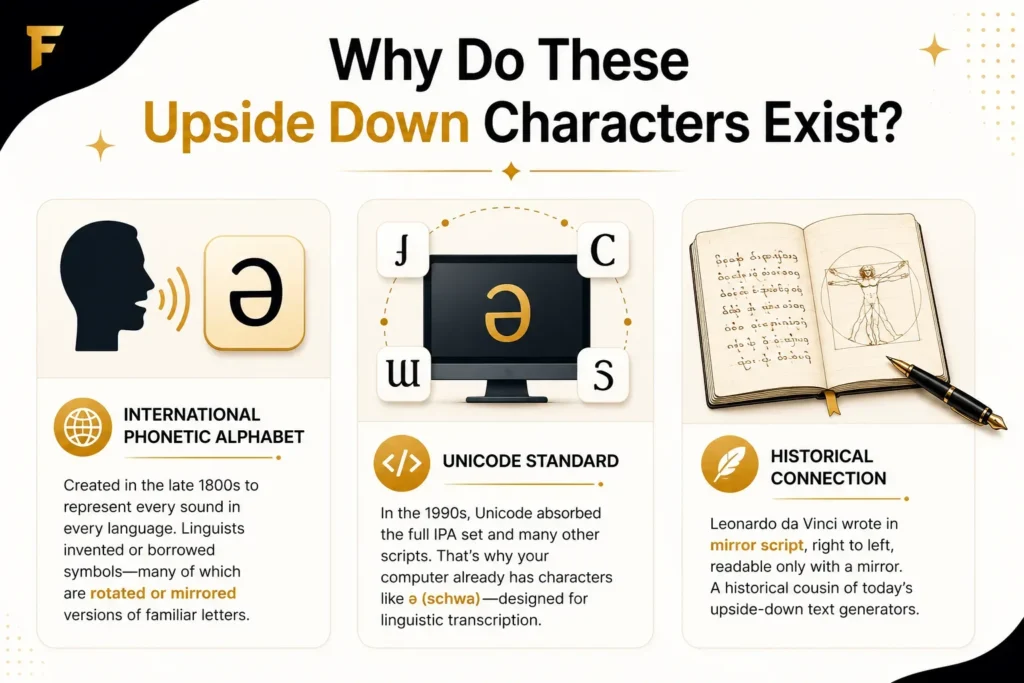
The International Phonetic Alphabet was created in the late 1800s to represent every sound a human voice can produce across every language. To do that, linguists needed characters that did not already exist in any alphabet, so they invented or borrowed symbols, many of which are rotated or mirrored versions of familiar Latin letters.
When Unicode was developed in the 1990s as a universal text encoding standard, it absorbed the full IPA character set along with mathematical symbols, ancient scripts, and phonetic notation from dozens of languages. That is why your computer already has the character ǝ (the schwa) without you installing anything. It was designed for linguistic transcription. The fact that it looks like an upside-down e is a feature, not an accident.
Leonardo da Vinci wrote many of his private notebooks in mirror script, right to left, readable only with a mirror. That manual trick is a historical cousin of what upside-down text generators do digitally today.